GPT Image Update

GPT Image 2.5 — Create. Edit. Refine.

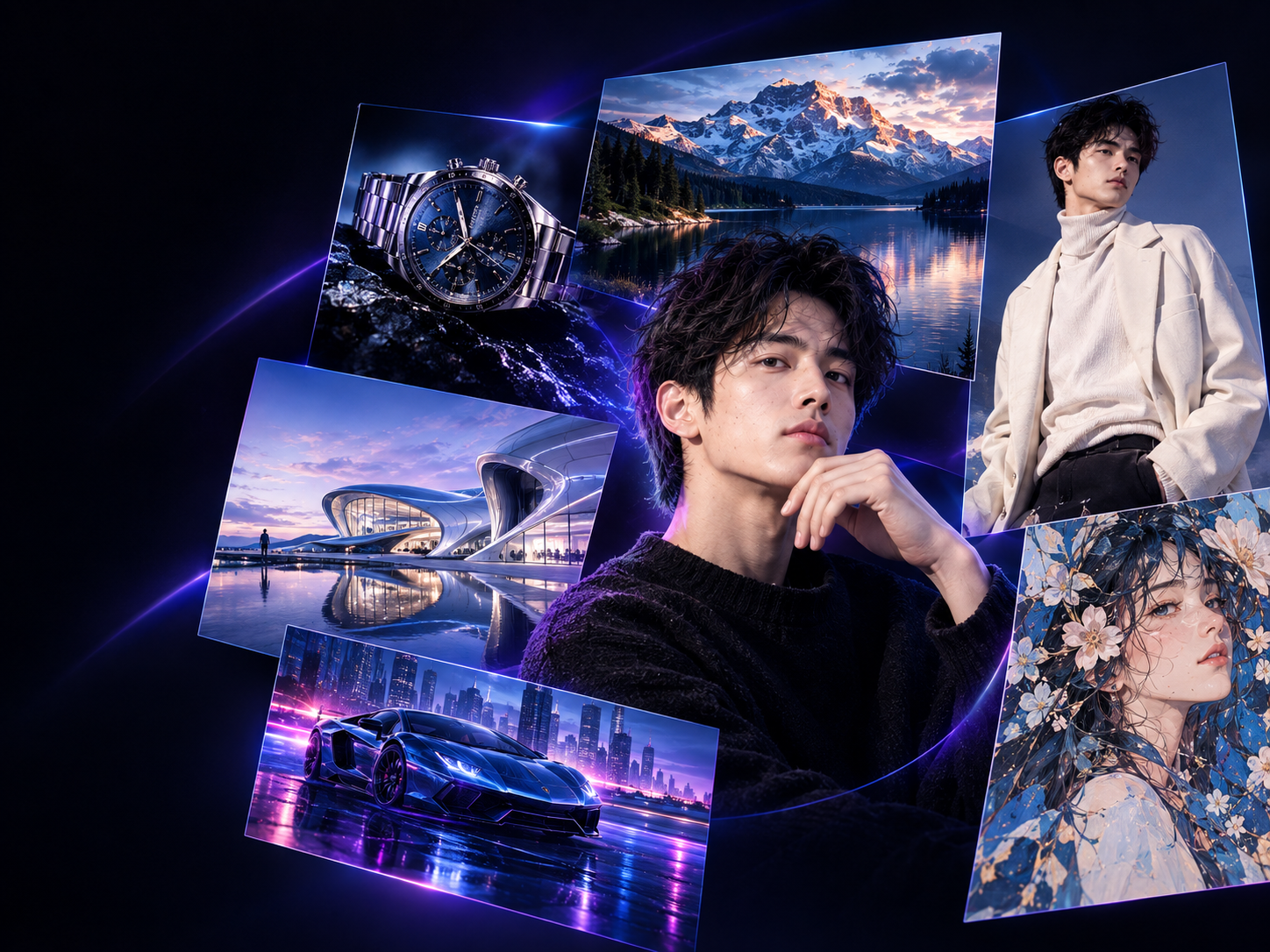
GPT Image 2.5 is OpenAI's latest image generation and editing model, built for creative workflows where details matter. Generate from text, transform reference images, make precise edits, and refine the same image through multiple iterations—all without starting over.

GPT Image 2.5 — Create. Edit. Refine.

视频加载中...

GPT Image 2.5

Less regeneration. More iteration.

GPT Image 2.5 is designed around a different creative workflow: instead of discarding and regenerating from scratch every time, you build on the image you already like and refine it iteratively.

01

Superior Reference Fidelity

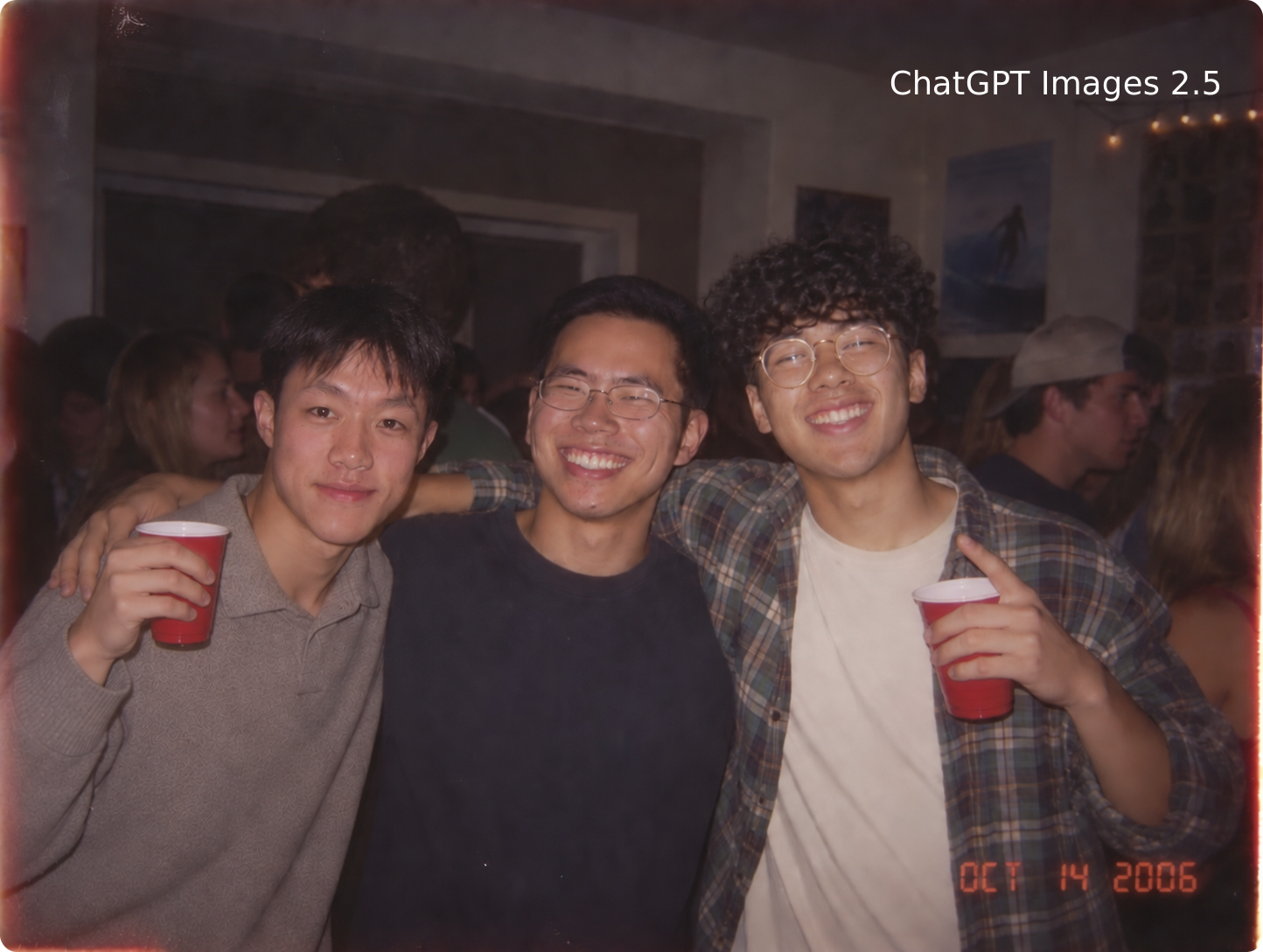
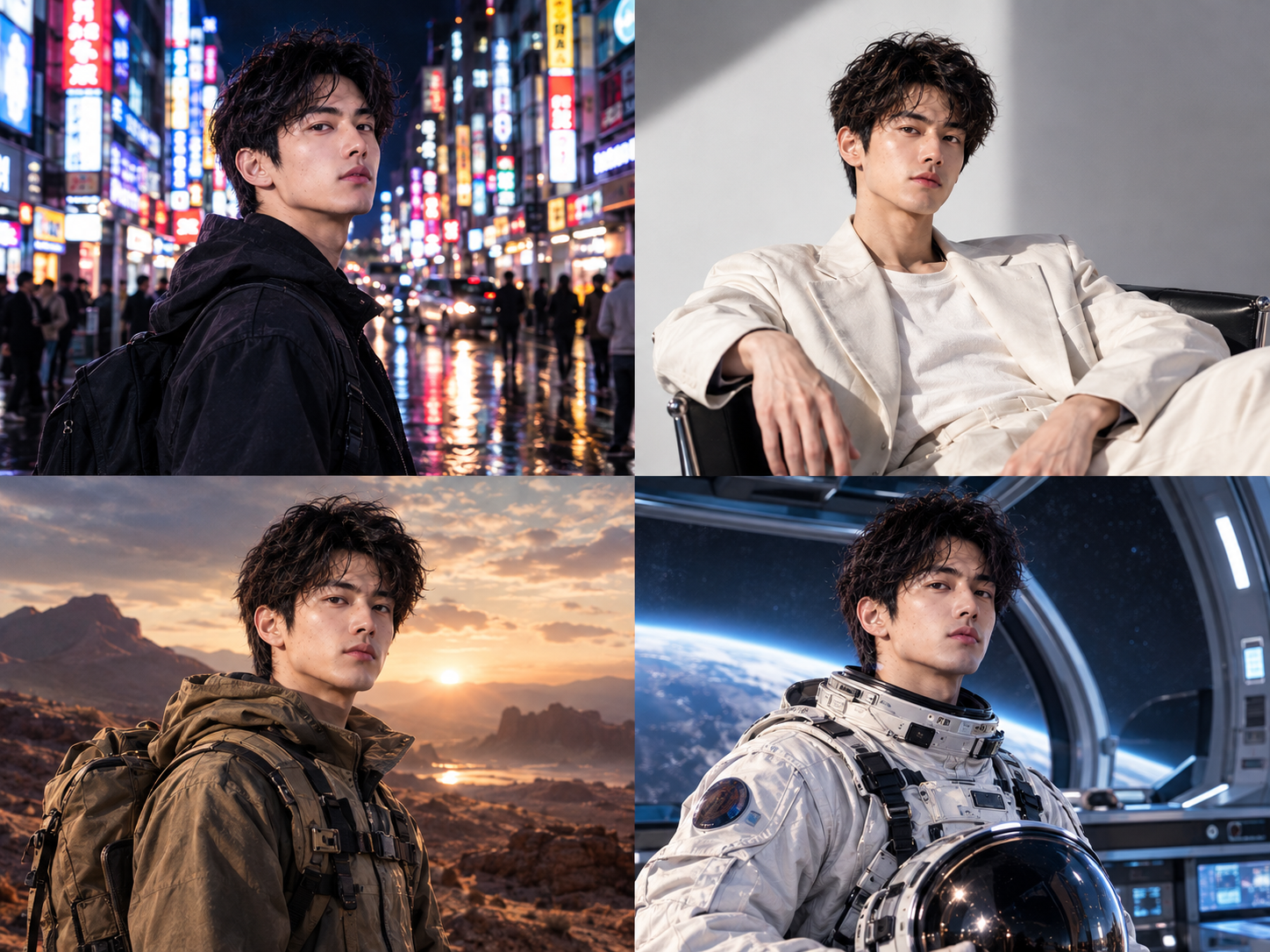
GPT Image 2.5 preserves the facial features, composition, and style details from your reference image with remarkable accuracy.

02

Pinpoint Precision Editing

With enhanced instruction understanding, you can describe exactly what to change using natural language.

03

Faster Iteration Cycles

GPT Image 2.5 delivers up to 50% lower latency compared to its predecessor. That means more refinement rounds in less time, a smoother creative flow, and no waiting around when inspiration strikes.

What’s new in GPT Image 2.5?

GPT Image 2.5 isn't simply a higher-resolution image generator. Its biggest improvements are visible when you ask it to preserve, modify, and refine visual information.

Better reference image fidelity

GPT Image 2.5 is better at preserving the identity and distinctive characteristics of subjects from reference images while transforming their setting, style, composition, or lighting.

Better reference image fidelity

Edit one thing. Keep everything else.

One of the biggest improvements in GPT Image 2.5 is targeted editing. Instead of regenerating the entire image when you only want to change one element, you can give a focused instruction and preserve the rest of the composition.

Edit one thing. Keep everything else.

Multi-turn consistency

Creative work rarely ends with the first generation. GPT Image 2.5 is designed to maintain more consistency across multiple editing turns, allowing you to progressively refine an image instead of rebuilding it from scratch.

Multi-turn consistency

Faster generation

GPT Image 2.5 Flare brings the new generation's quality and editing improvements to the API while reducing latency by up to 50% compared with GPT-Image-2.

Faster generation

Intelligence & instruction following

GPT Image 2.5 is better at handling complex visual instructions involving multiple objects, positions, materials, lighting conditions, colors, layouts, and stylistic constraints.

Intelligence & instruction following

Text rendering

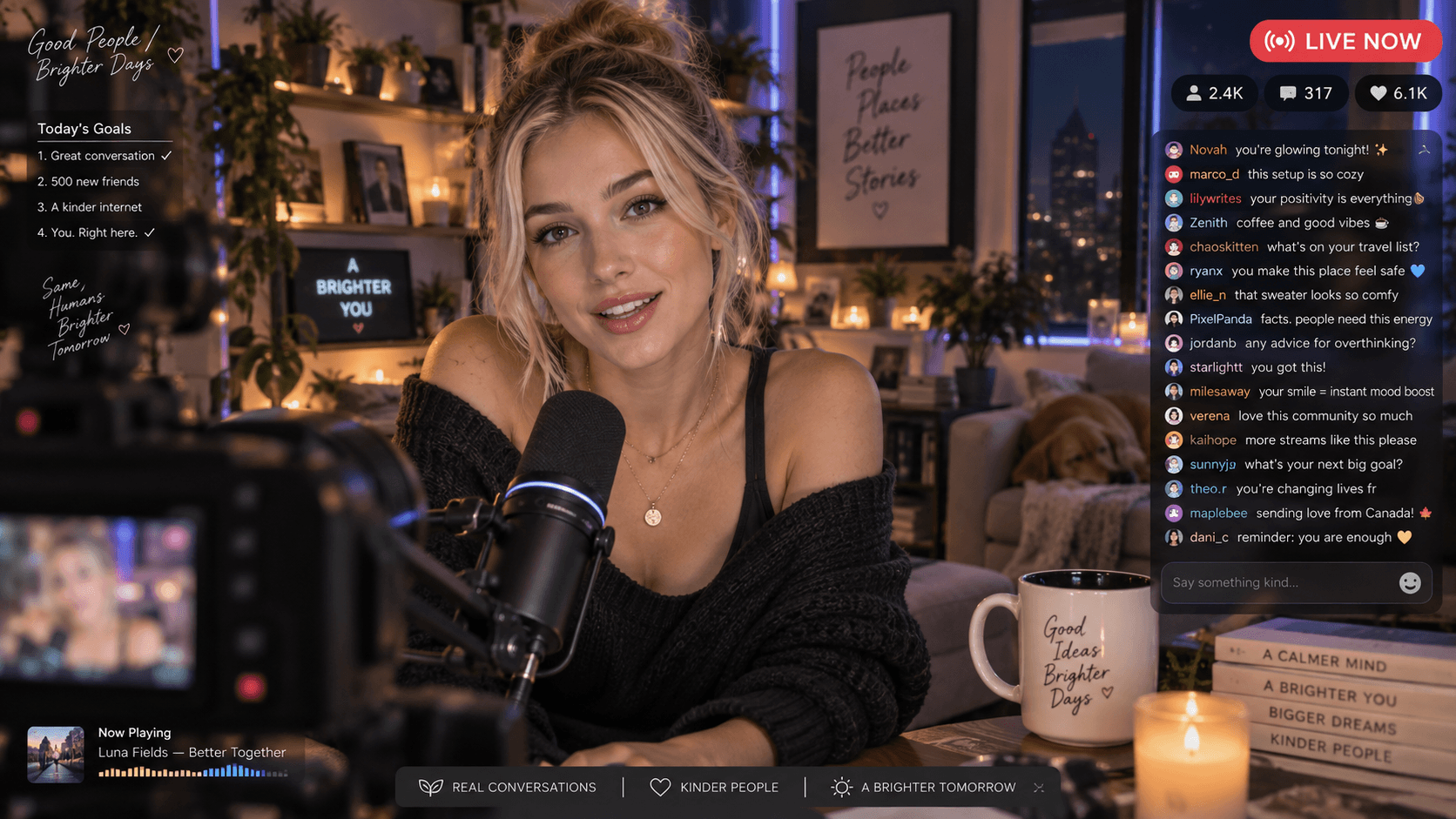
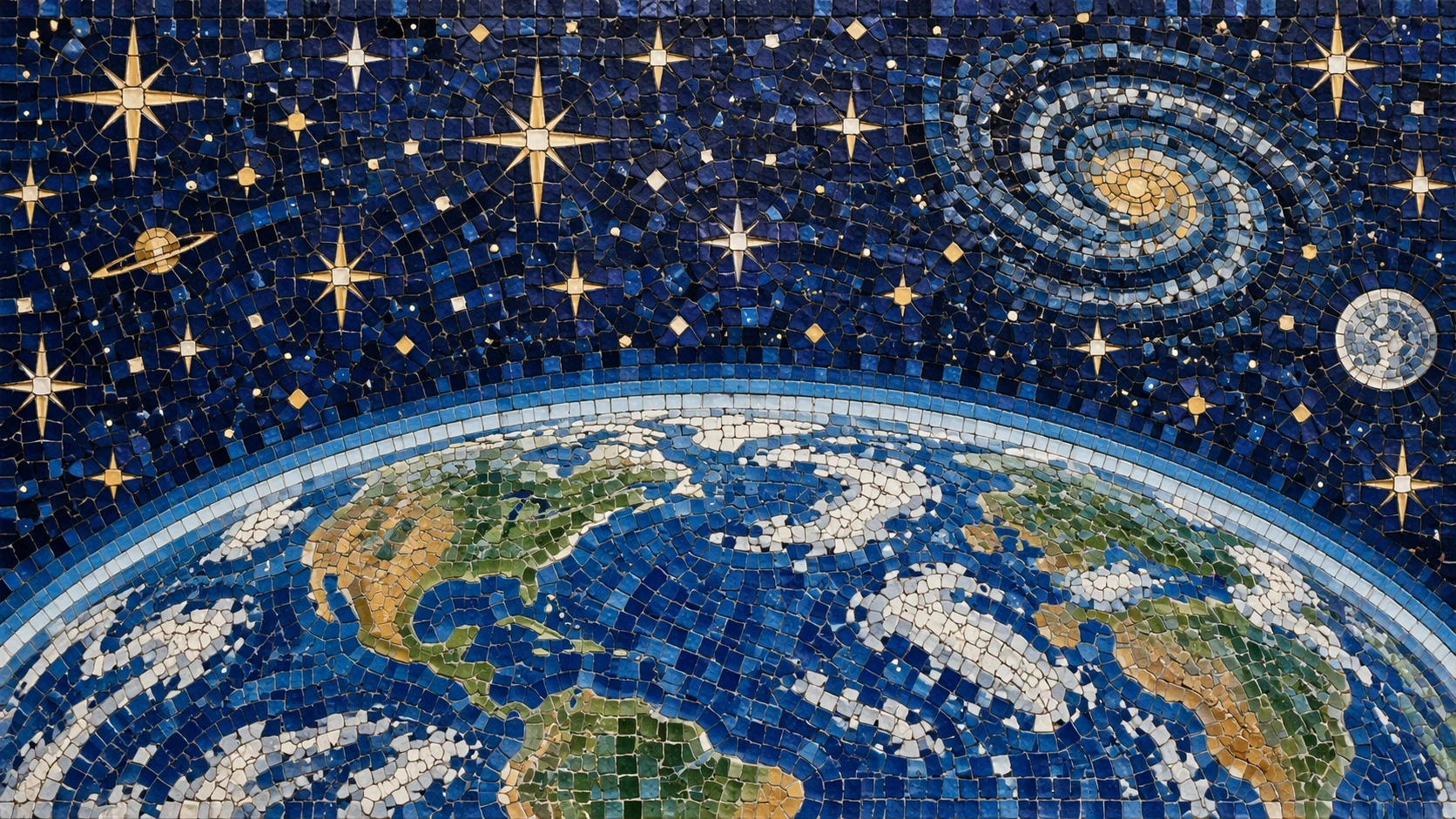
GPT Image 2.5 is better suited to visual content where layout, typography, labels, and real-world information need to work together.

Text rendering

GPT Image 2.5 vs GPT Image 2


GPT Image 2 was already capable. GPT Image 2.5 focuses on making the creative workflow more predictable, editable, and efficient.
CapabilityGPT Image 2GPT Image 2.5
Image qualityExcellentSharper detail and more natural textures
Reference fidelityStrongBetter preservation of recognizable subjects
EditingPreciseMore targeted and reliable edits
Multi-turn editingGoodMore consistent across repeated edits
Complex instructionsStrongBetter handling of detailed constraints
Lighting & textureRealisticMore natural lighting and richer textures
LayoutsCapableImproved handling of complex visual layouts
Generation speedFastUp to 50% lower latency for Flare
Best forGeneral image generationGeneration + iterative creative workflows

What can you create with GPT Image 2.5?

Powerful features to bring your ideas to life

🎨 Creative Design

🎨 Creative Design

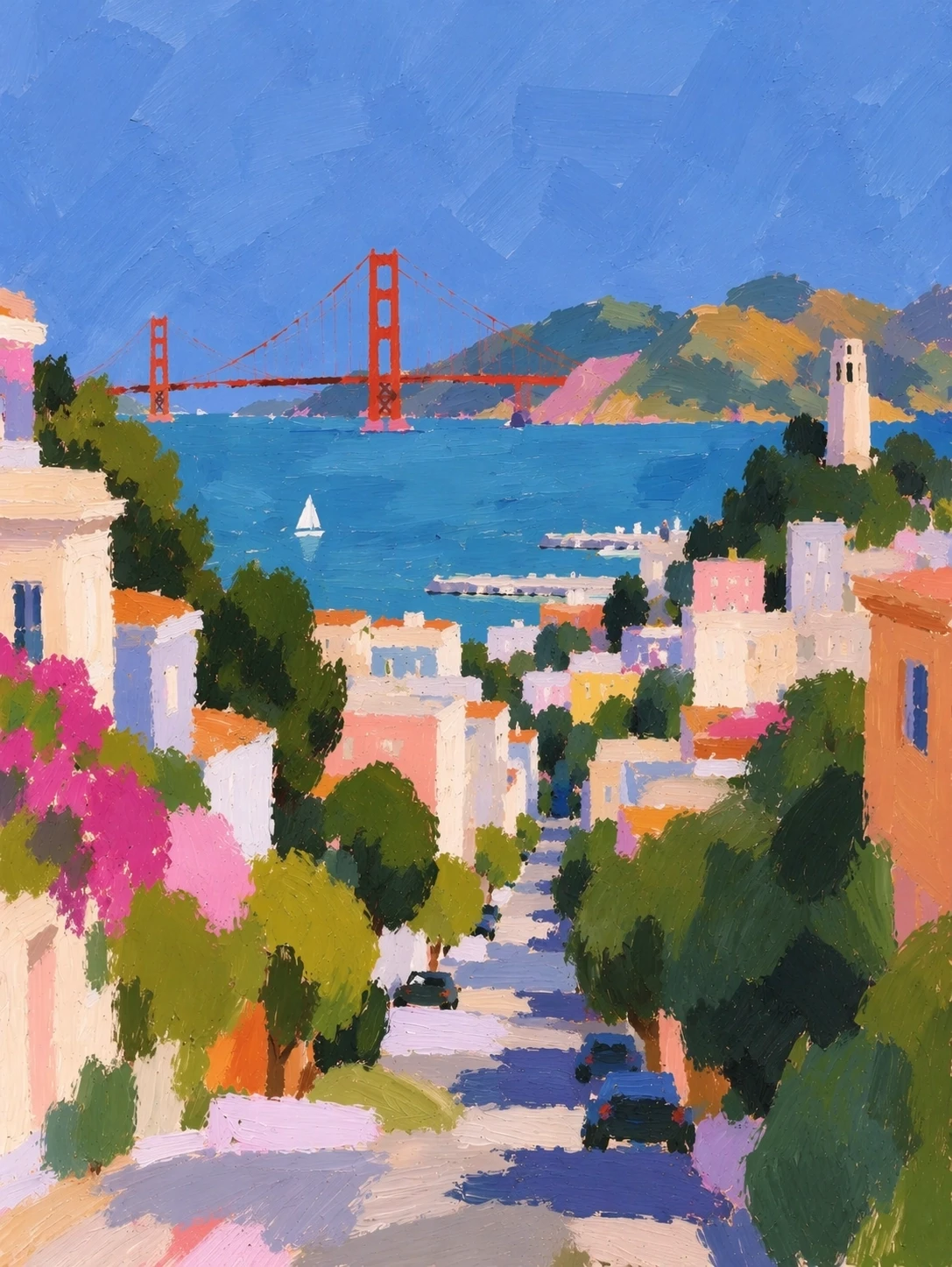
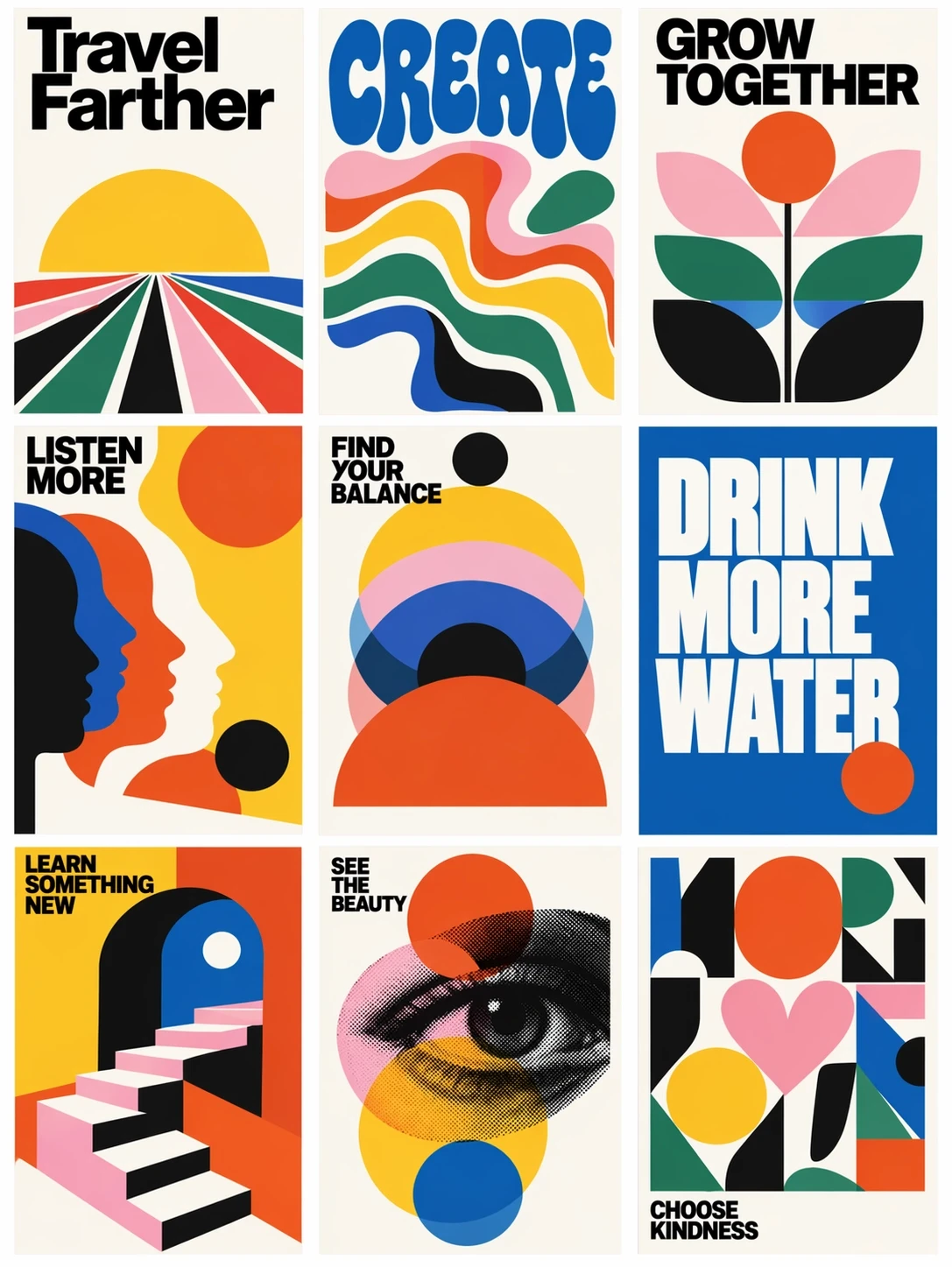
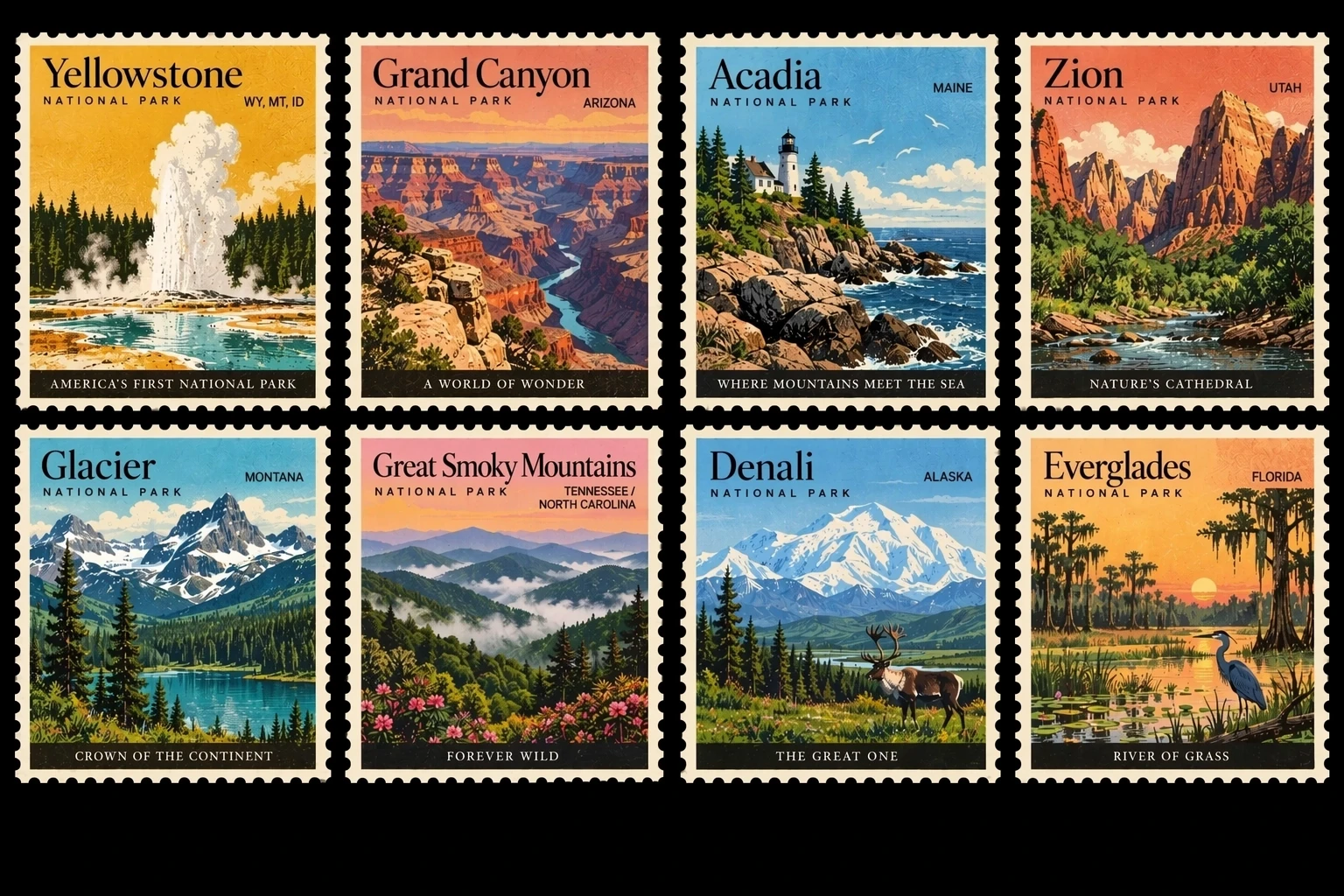
Turn rough ideas into polished visual concepts, posters, illustrations, and campaign assets.

🛍 Product Photography

🛍 Product Photography

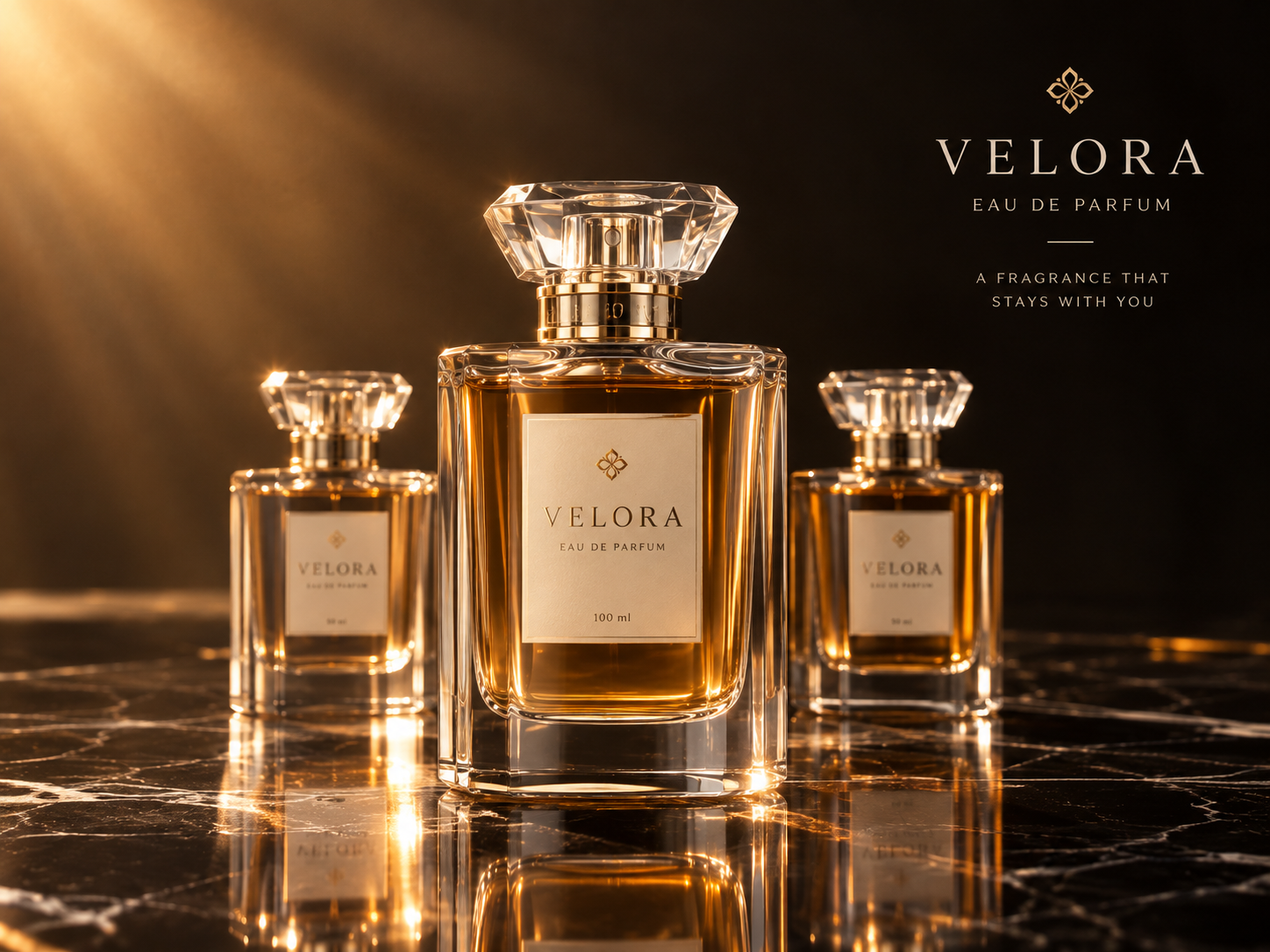
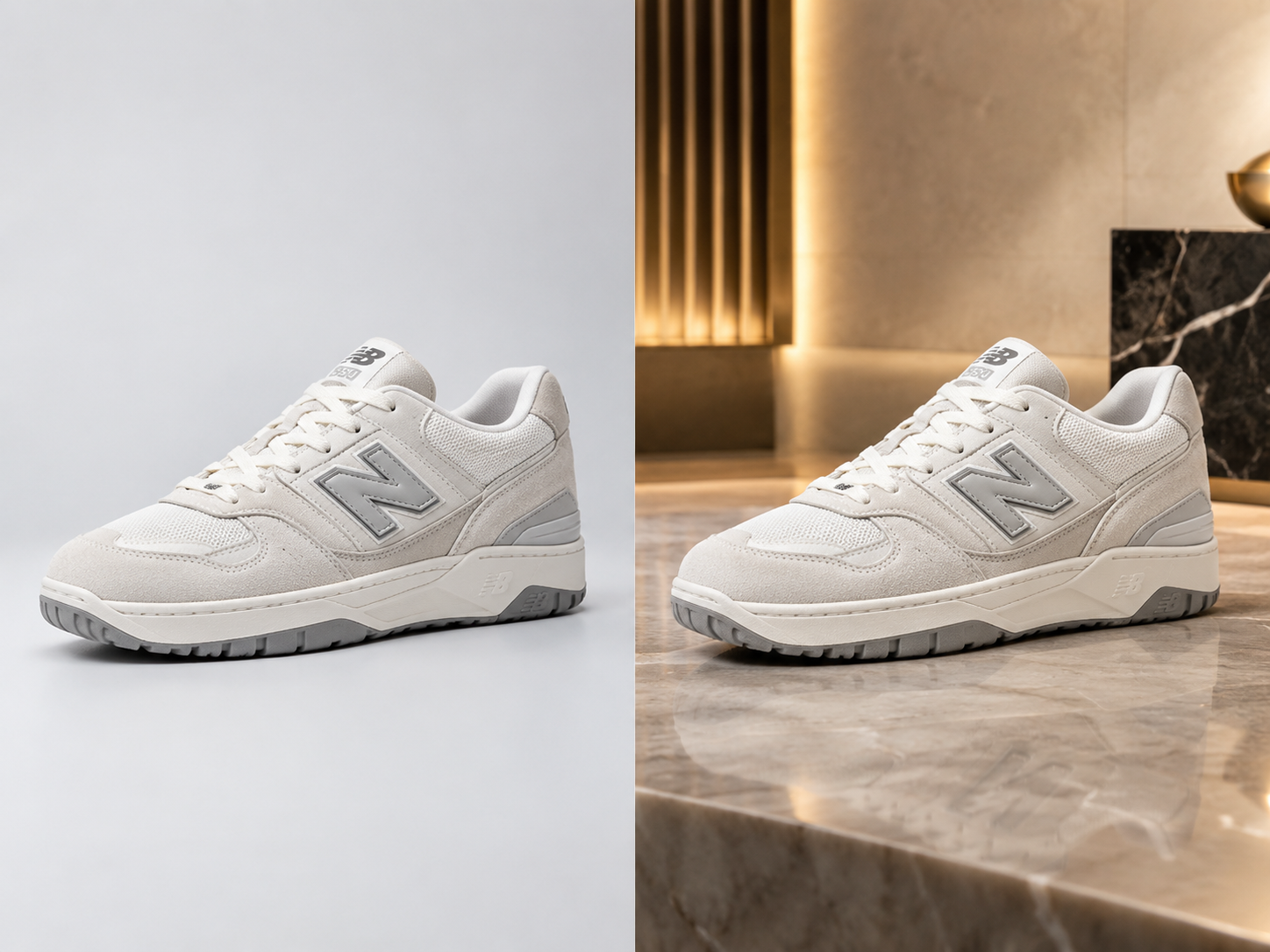
Transform a simple product photo into studio-quality commercial imagery.

👤 Character & Portrait Editing

👤 Character & Portrait Editing

Reimagine people and characters across different environments, outfits, eras, and visual styles.

📢 Advertising

📢 Advertising

Create campaign visuals with controlled layouts, products, typography, and art direction.

📦 E-commerce

📦 E-commerce

Generate product scenes, lifestyle imagery, packaging concepts, and promotional graphics.

🖥 UI & Visual Concepts

🖥 UI & Visual Concepts

Turn product ideas into interfaces, dashboards, diagrams, presentations, and visual prototypes.

📱 Social Media

📱 Social Media

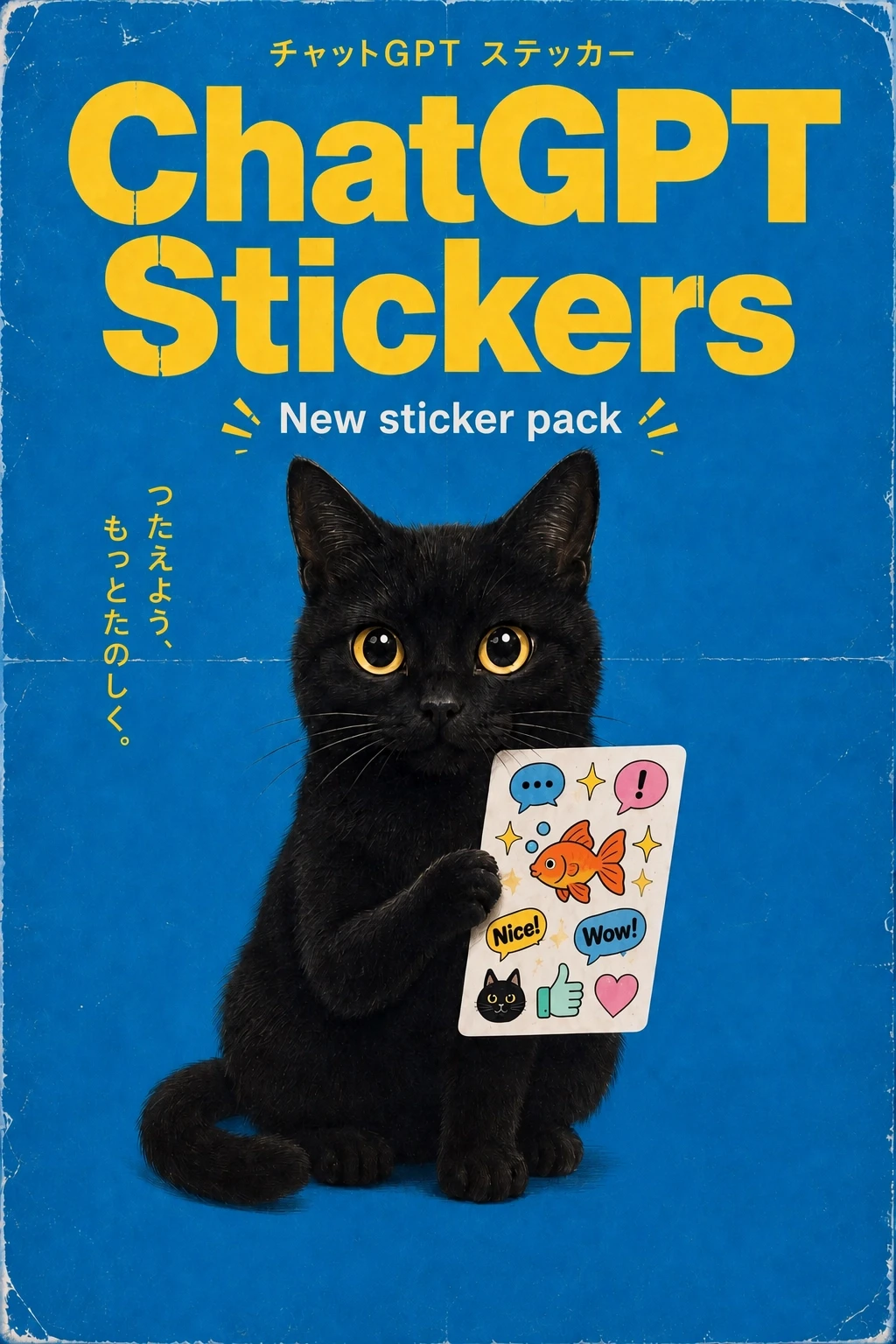
Create thumbnails, posters, memes, story graphics, and branded social content.

🧪 Image Editing

🧪 Image Editing

Make targeted changes while preserving the parts of an image you already like.

GPT Image 2.5 Prompt Examples

Explore these prompt examples across popular use cases to get the most out of GPT Image 2.5. Use them as starting points and customize the details to match your creative vision.

Product Photography

Try: "A luxury wristwatch resting on polished marble, soft studio lighting from the upper left, subtle reflective highlights, shallow depth of field, professional commercial product photography, 8k detail." GPT Image 2.5 excels at rendering realistic materials and controlled lighting for product shots.

Character Transformation

Try: "Transform this portrait into a cyberpunk samurai warrior, neon-lit rainy street background, detailed armored kimono, glowing katana, cinematic rim lighting, ultra realistic, dramatic atmosphere." The model preserves facial identity while applying elaborate style transformations.

Poster Design

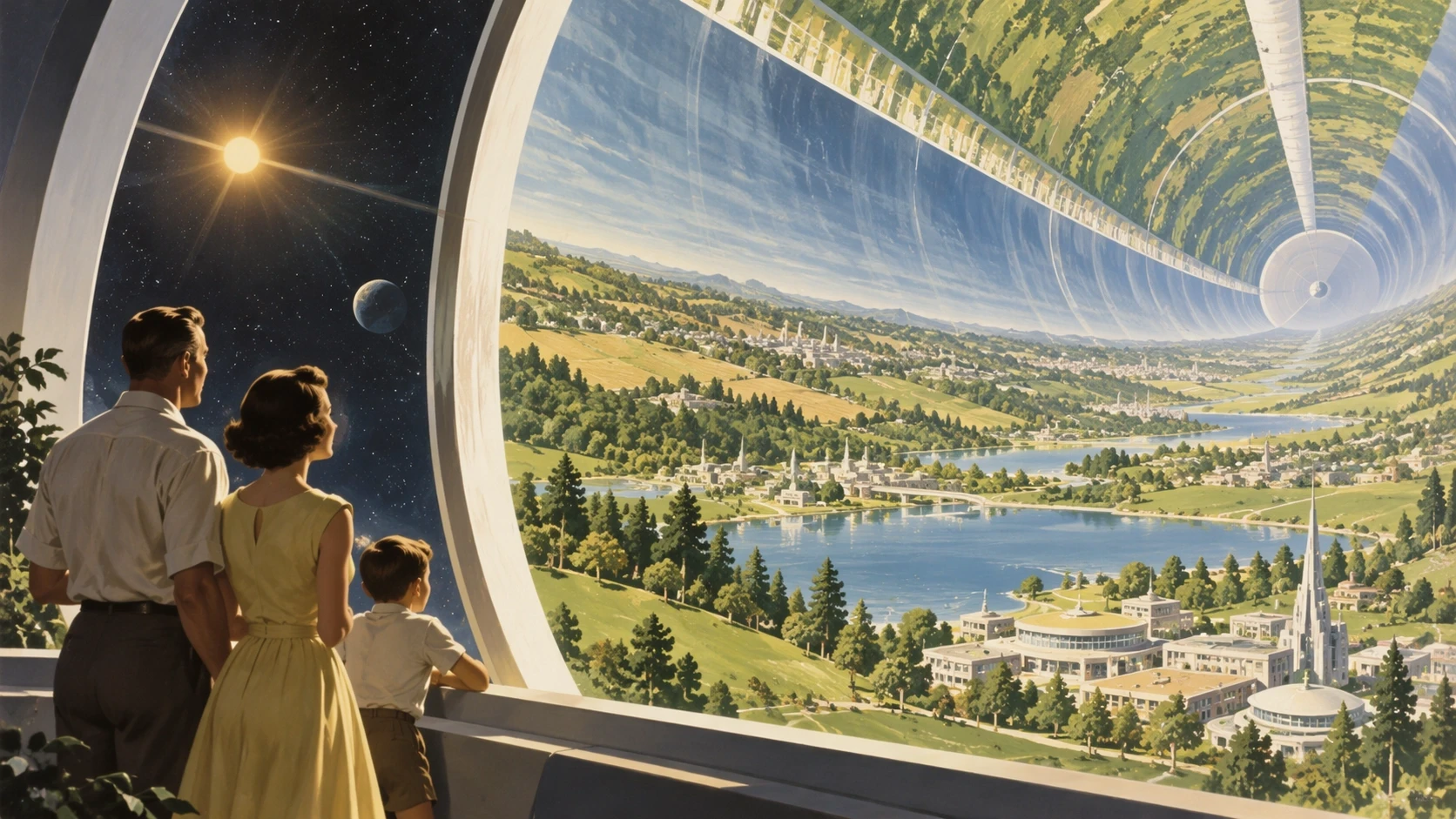
Try: "Movie poster for a sci-fi thriller, lone astronaut silhouette standing before a glowing interstellar portal, bold negative space for title text, moody teal and orange color grading, 80s retro-futurist aesthetic, high contrast." Great for generating compelling visual compositions with built-in typography space.

Fashion Editorial

Try: "High fashion editorial photograph, model wearing an avant-garde metallic structured dress, Vogue magazine style, dramatic studio lighting with hard shadows, full body pose, concrete backdrop, editorial composition, ultra sharp detail." Ideal for conceptual fashion looks and editorial styling.

E-commerce Catalog

Try: "Minimalist product photo of wireless earbuds with charging case on a seamless white background, soft diffused lighting, gentle contact shadow, 45 degree angle, clean e-commerce style, crisp focus, no distractions." Perfect for clean, conversion-focused product images.

Anime & Illustration

Try: "Studio Ghibli inspired anime portrait of a young woman reading in a cozy sunlit library, warm golden hour light through tall windows, watercolor texture, detailed bookshelves, peaceful atmosphere, soft color palette." The model handles diverse illustration styles beautifully.

Old Photo Restoration

Try: "Restore this vintage black and white family portrait, naturalize skin tones with subtle colorization, repair scratches and creases, enhance facial clarity, preserve the original nostalgic film grain and timeless feel." Bring cherished memories back to life with careful, respectful restoration.

Social Media Content

Try: "Aesthetic flat lay of iced coffee, open notebook, and dried flowers on a warm wooden table, soft natural window light, cozy morning atmosphere, lifestyle photography, warm earthy tones, Instagram ready composition." Create scroll-stopping visuals for any social platform.

How to use GPT Image 2.5?

1

Upload a reference or start from text

Start with a prompt, or upload an image when you want GPT Image 2.5 to preserve an existing subject or visual direction.

2

Describe what you want

Be specific about the subject, composition, lighting, materials, style, and any elements that must remain unchanged.

3

Generate & Refine

Let GPT Image 2.5 create the first version. Instead of starting again, tell it exactly what you want to change.

4

Export

Download your final image and use it for social content, product design, marketing, or creative projects.

Frequently Asked Questions

Find answers to common questions about our platform.