
Happyhorse
Geração de vídeos criativos e dinâmicos com resultados animados e originais.
Por que usar o Happyhorse
Criatividade em movimento
Animações criativas
Ótimo para clipes com personagens e cenas animadas.
Movimento fluido
Resultados com movimento natural e coeso.
Fácil de usar
Descreva a cena e gere em minutos.
Versatile Artistic Styles
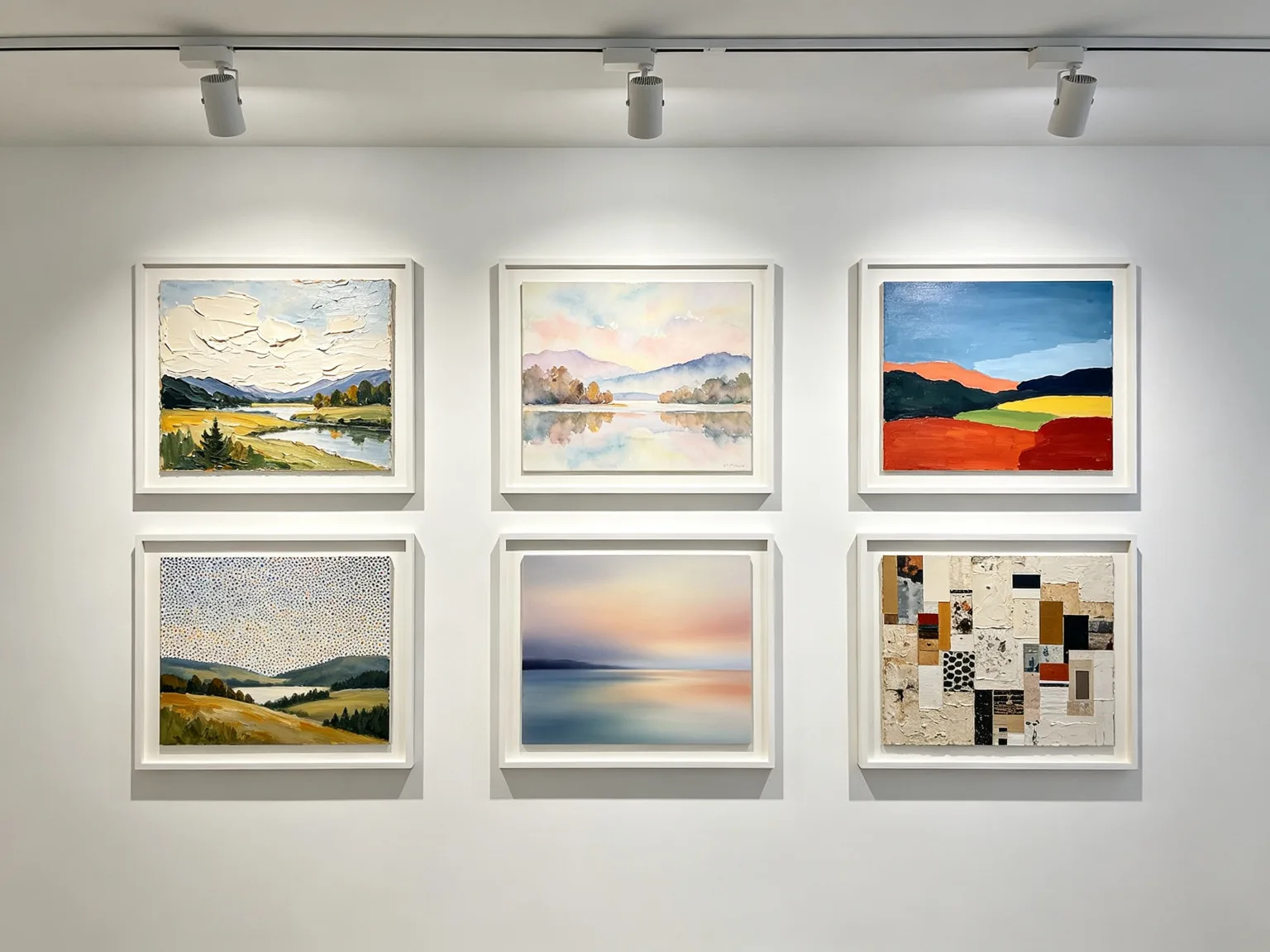
From thick impasto oil paintings and delicate watercolors to bold acrylics, precise pointillism, smooth airbrush, and textured mixed media, HappyHorse handles a wide range of artistic styles with authenticity. Six framed landscapes on a gallery wall, each rendered in a completely different painting style, demonstrate the model's versatility and its understanding of the unique conventions and techniques of each artistic movement.
Easy and Accessible
HappyHorse is designed to be accessible to creators of all skill levels, from professional designers to hobbyists exploring digital art for the first time. A young creator sitting comfortably on a couch with a tablet and stylus, smiling at a colorful digital artwork, represents the relaxed, joyful creative experience that the model enables. No technical expertise is required to produce beautiful results.

Commercial Ready Output
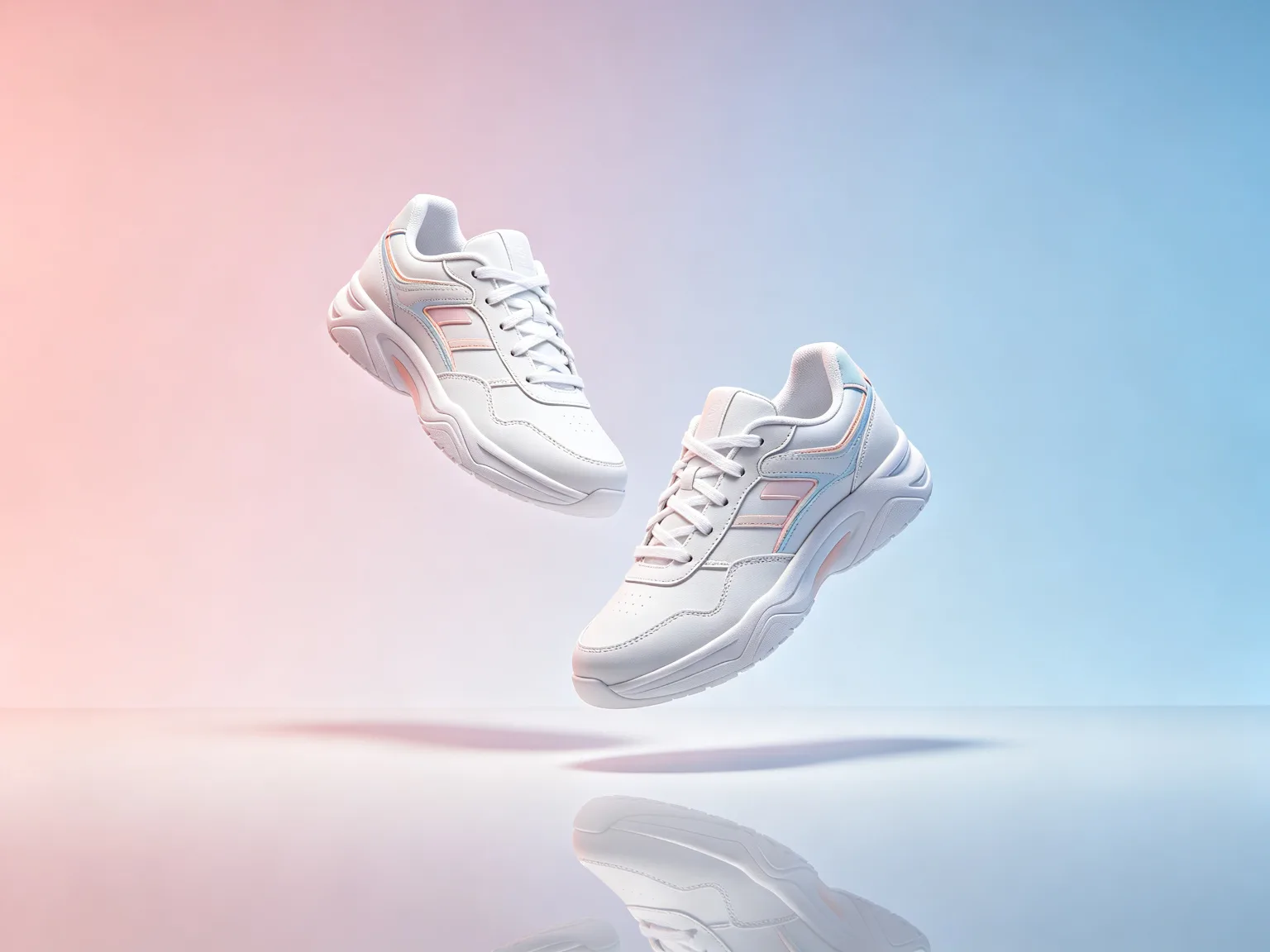
Generate product photography and marketing visuals that are ready for e-commerce, advertising, and retail use without additional retouching. A pair of clean white sneakers with subtle pastel accents floating against a seamless pink to blue gradient background, perfectly lit with studio softboxes and a glossy reflection below, demonstrates the commercial ready output quality that saves designers time in post production.
Exemplos do Happyhorse
Vídeos criados com o modelo
Describe Your Design Vision
Enter a text prompt describing the design you want to create, including subject matter, color palette, style, mood, and intended use. HappyHorse interprets both simple and detailed prompts effectively, so you can be as brief or as specific as your project requires.
Choose Your Style and Settings
Select from a range of artistic styles and adjust generation settings to match your project needs. You can choose photorealistic, painterly, illustrative, or abstract styles, and adjust detail levels to balance speed against quality for your specific use case.
Generate and Refine Your Design
Click generate to produce your initial design, then use refinement tools to adjust colors, try alternative compositions, or regenerate with a modified prompt. The efficient generation pipeline means you can iterate quickly, exploring multiple design directions until you arrive at the perfect result.
Download and Share Your Creation
Export your finished design in high resolution and download it for use in your projects, or share it directly to social media, your portfolio, or with clients. The commercial ready output means your designs are prepared for professional use immediately, no additional processing required.
Como usar
Crie com o Happyhorse em três passos
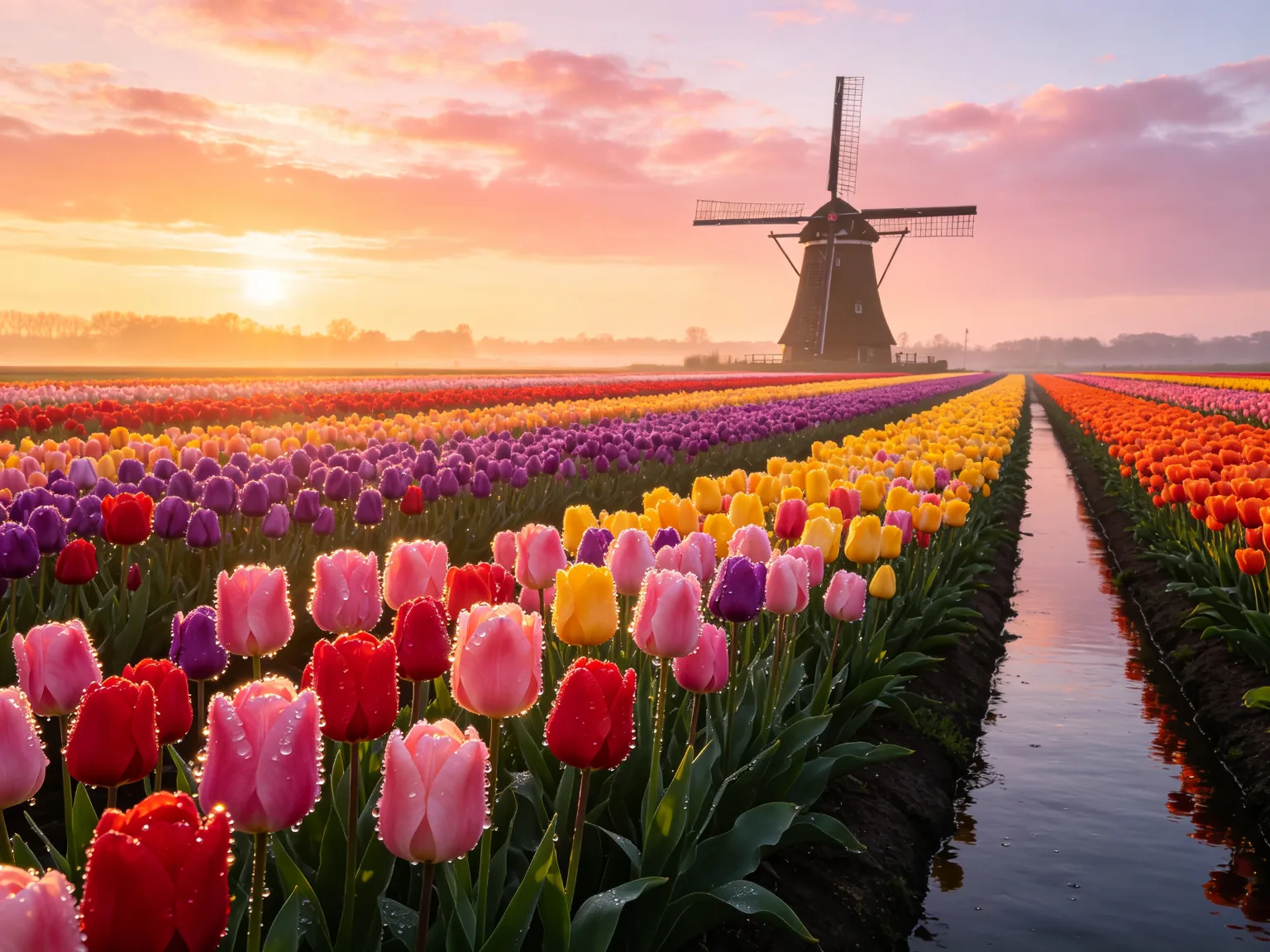
Tulip fields at sunrise in the Netherlands
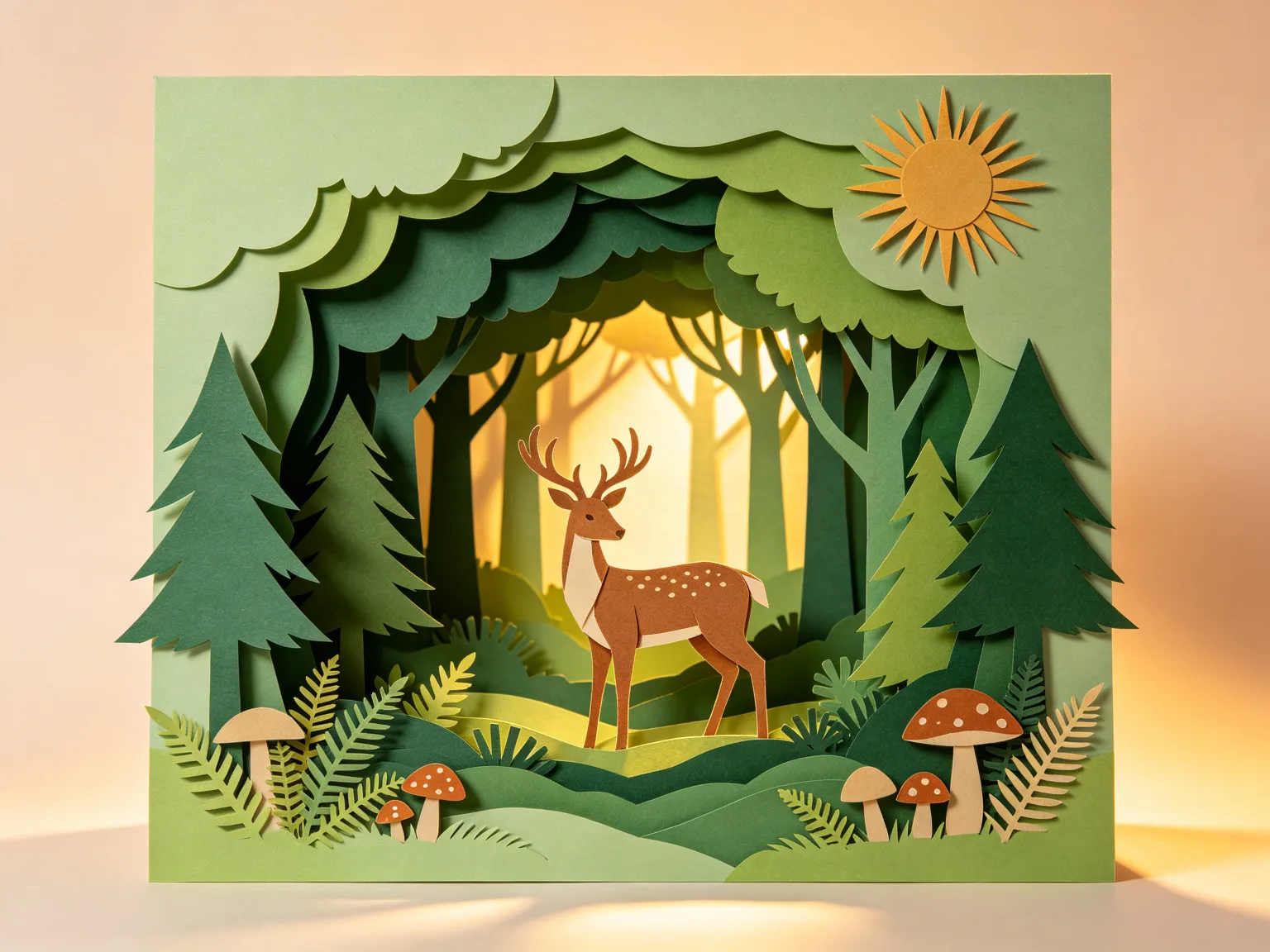
Layered paper craft forest sculpture
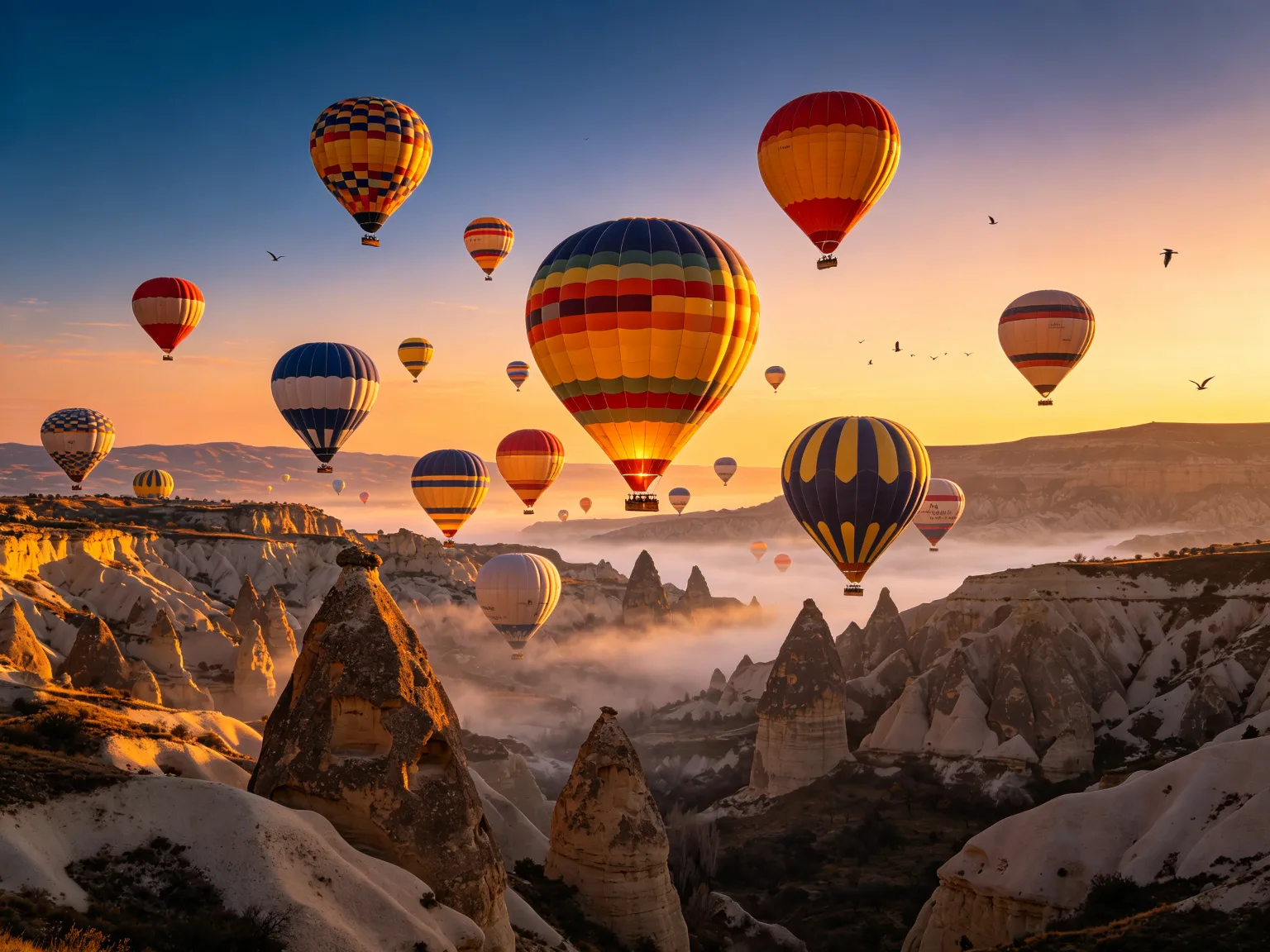
Hot air balloons over Cappadocia at dawn
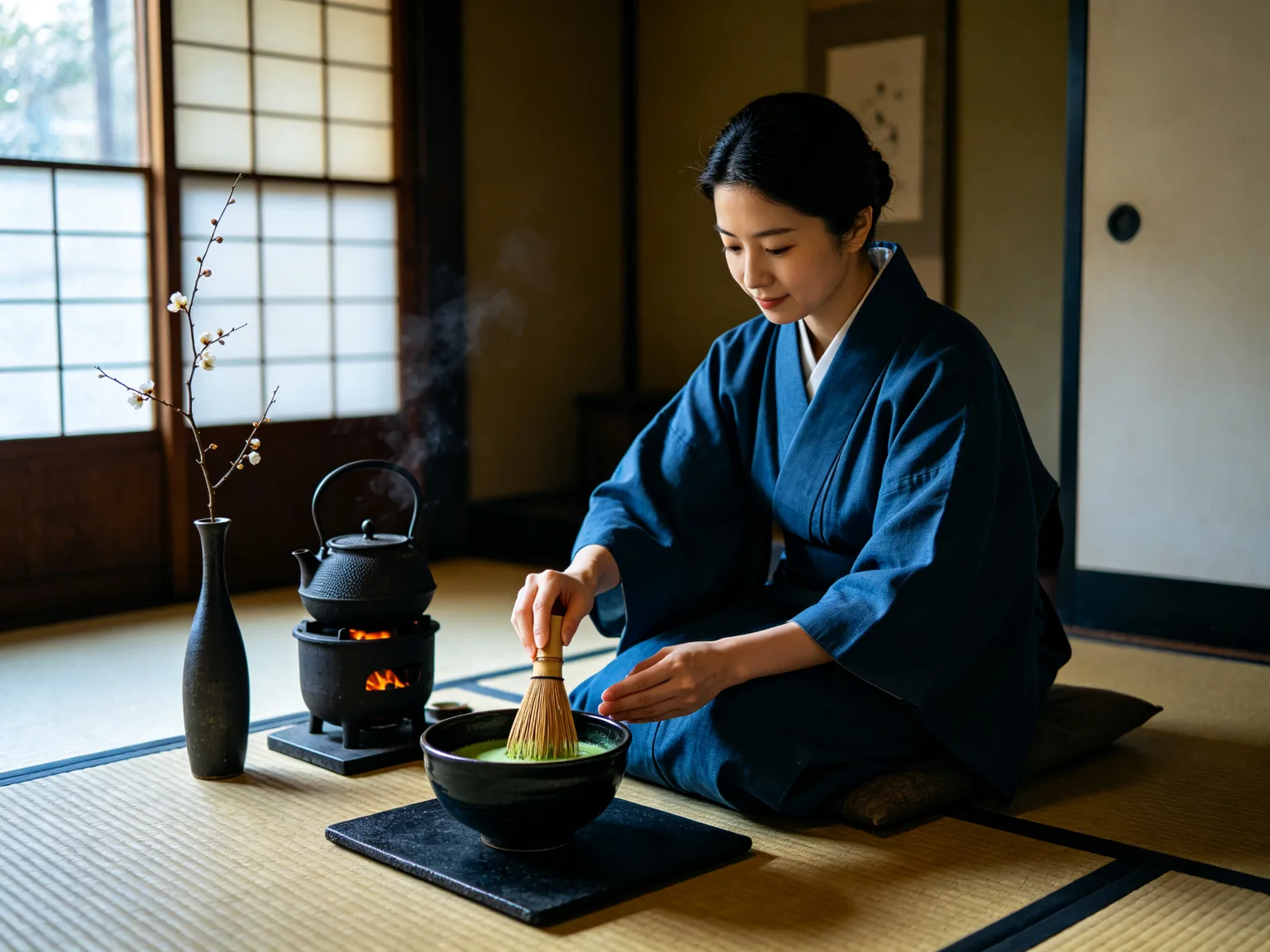
Japanese tea ceremony in a tatami room
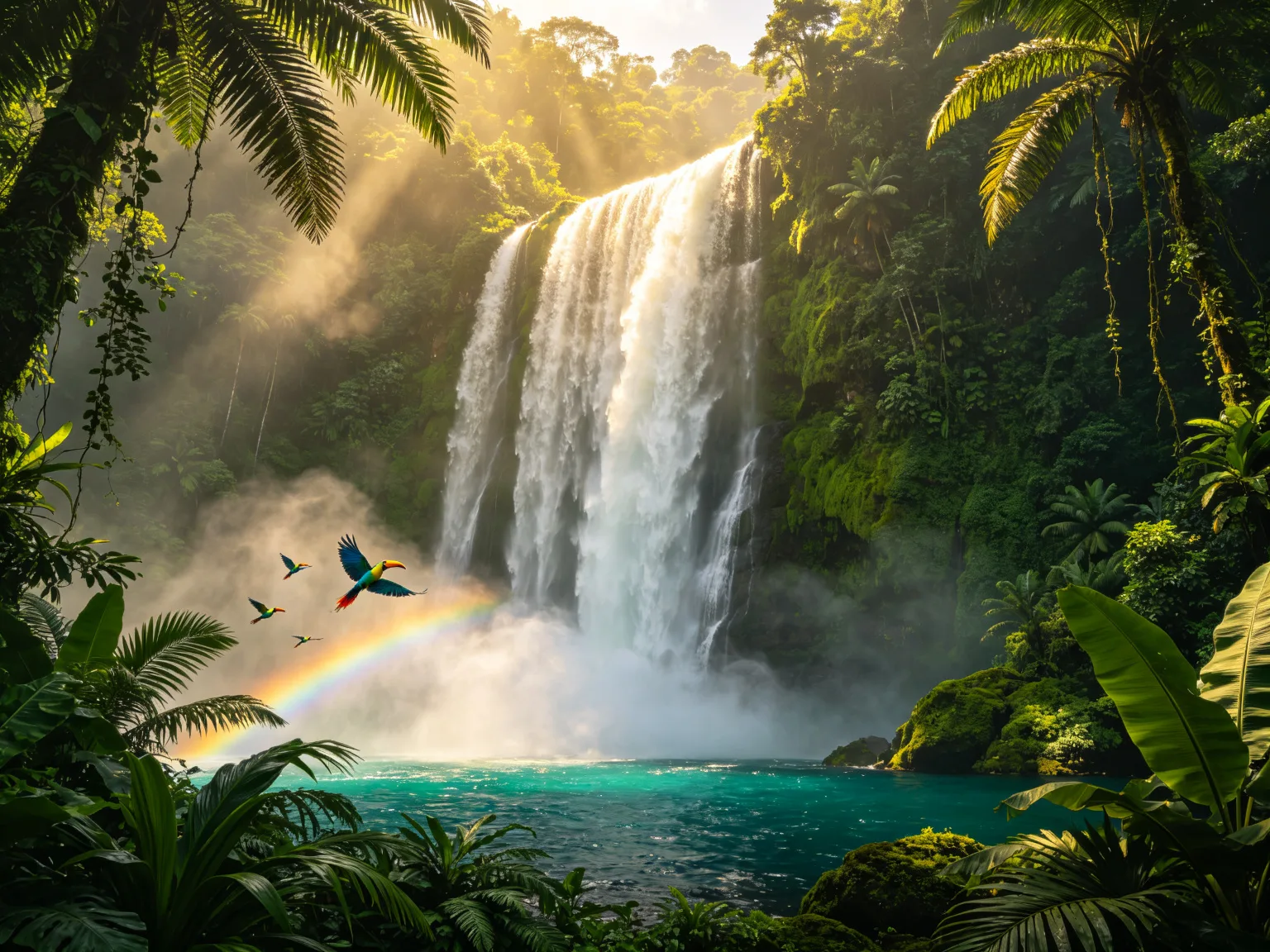
Tropical waterfall with rainbow in the rainforest
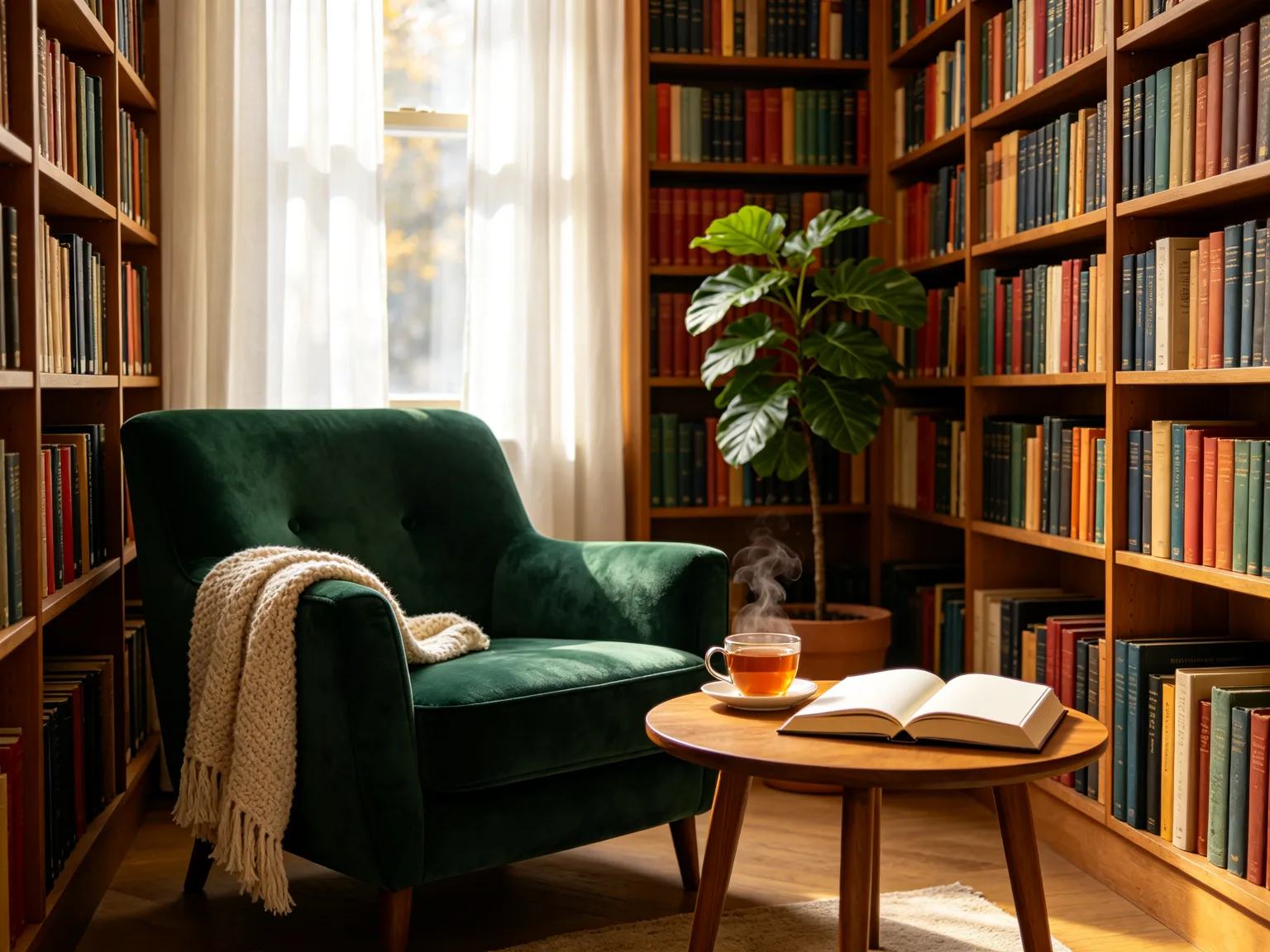
Cozy library reading nook with afternoon light
Perguntas frequentes
Explore outros modelos de IA
Modelos em destaque